View text-only version.
Last updated:
Help
Can't find what you're looking for? If you need any help that's not documented here,join our Matrix community and let's chat. As always, if you have questions about your account you can also send me a private message.
Matrix
Q: What is Matrix?
Matrix is a federated instant messaging protocol. Similar to email, users can message each other even if they're on different servers. Unlike Signal or WhatsApp, Matrix has no single central server.
Your membership to haven includes access to our Matrix chat, account included. Follow the steps below to log in.
Q: How do I use Matrix?
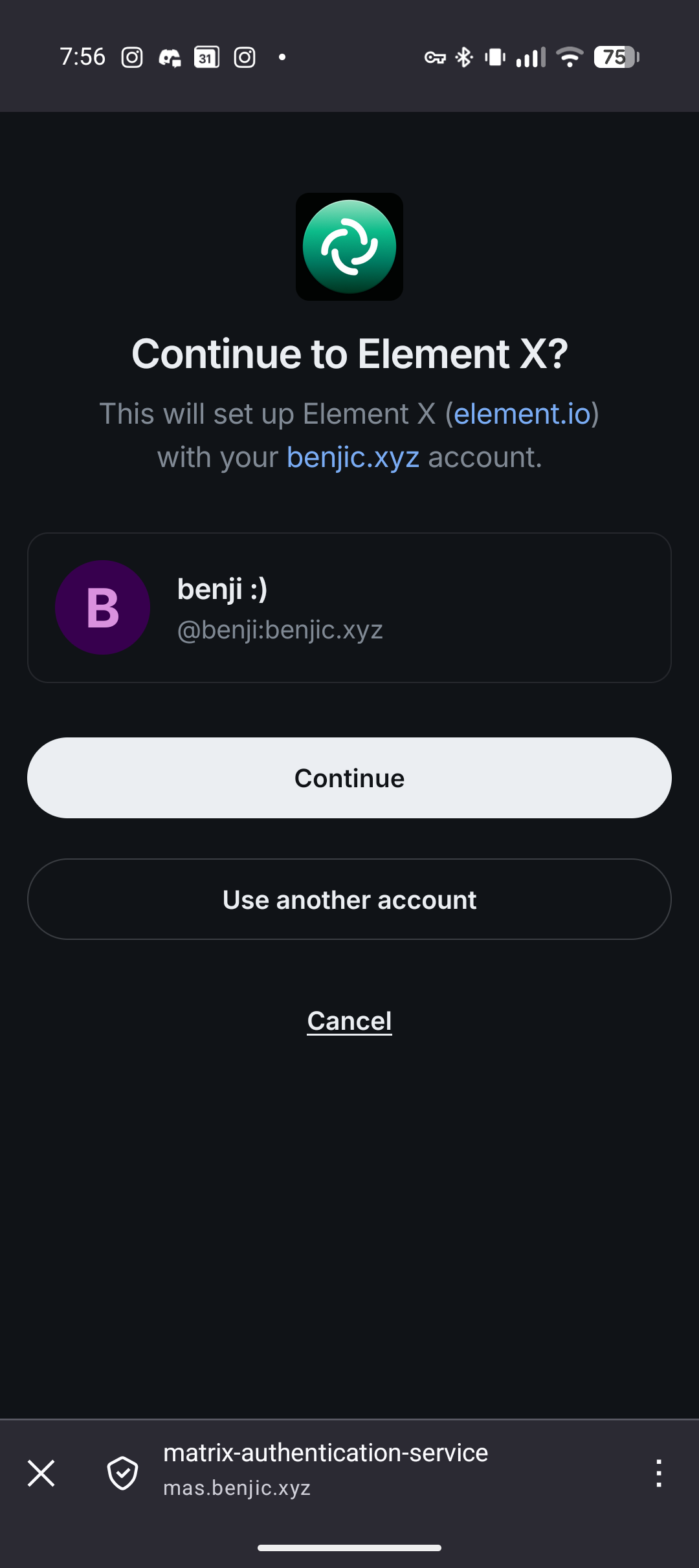
We recommend using the Element X client and
pointing it to the following homeserver: matrix.benjic.xyz
In my browser
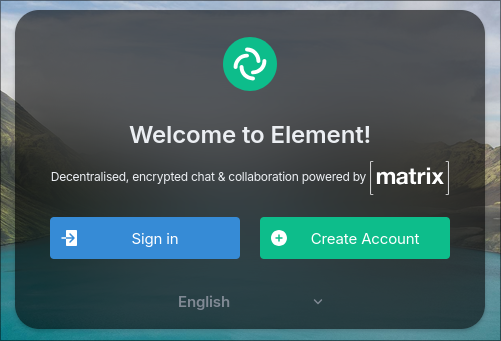
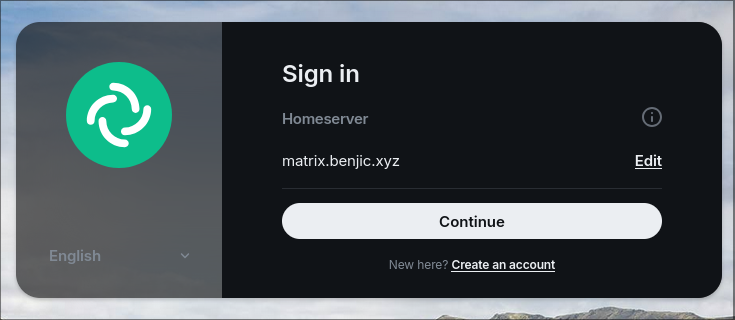
- Navigate to app.element.io
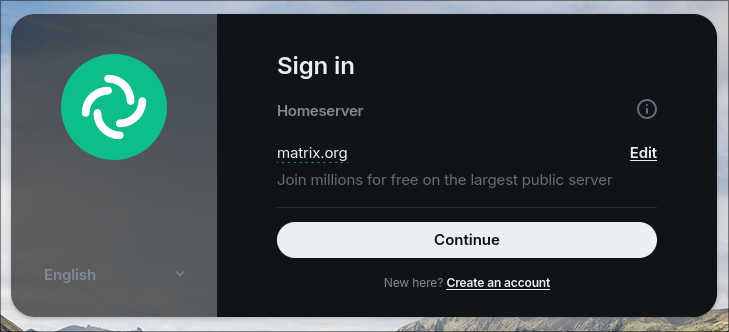
- Click the Sign in button
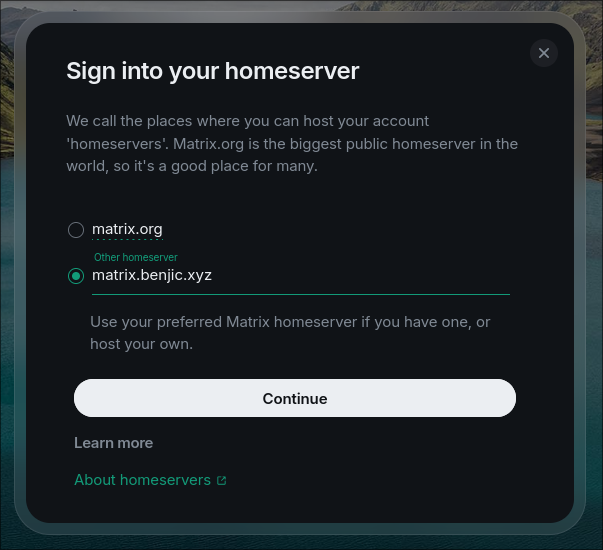
- In the next page, click the Edit button to change the homeserver.
- When asked for a homeserver, enter
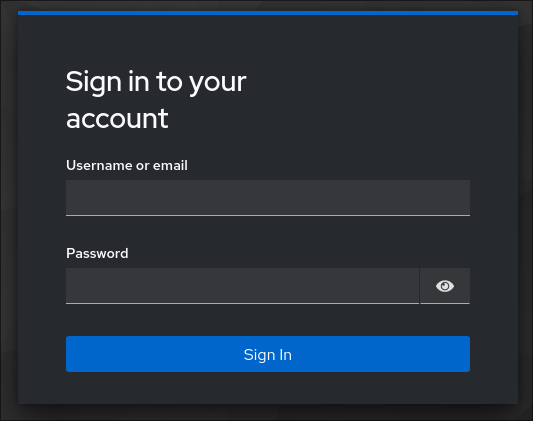
matrix.benjic.xyz - Use the Continue button to log in with your credentials.
On my Android or iPhone
-
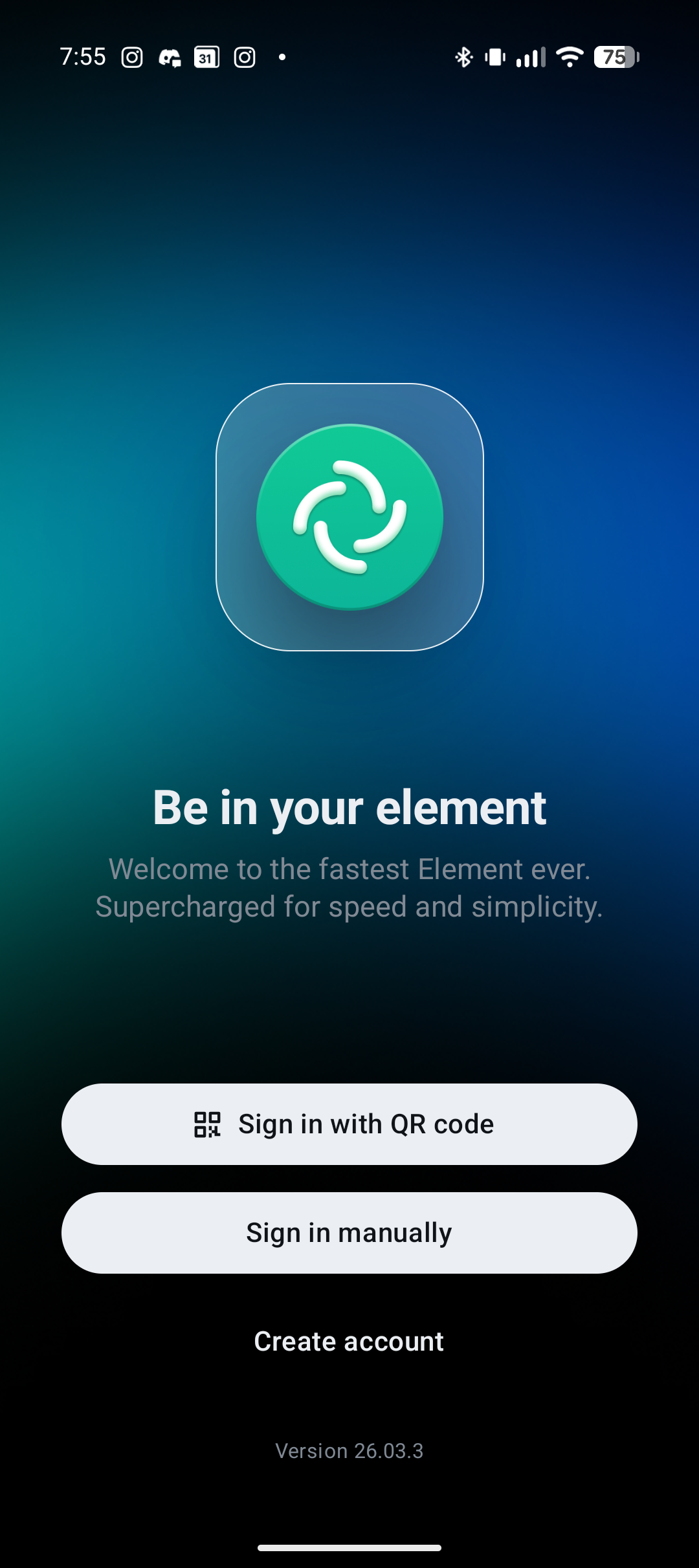
Download the Element X app and open it up
-
Click on the Sign in manually button
-
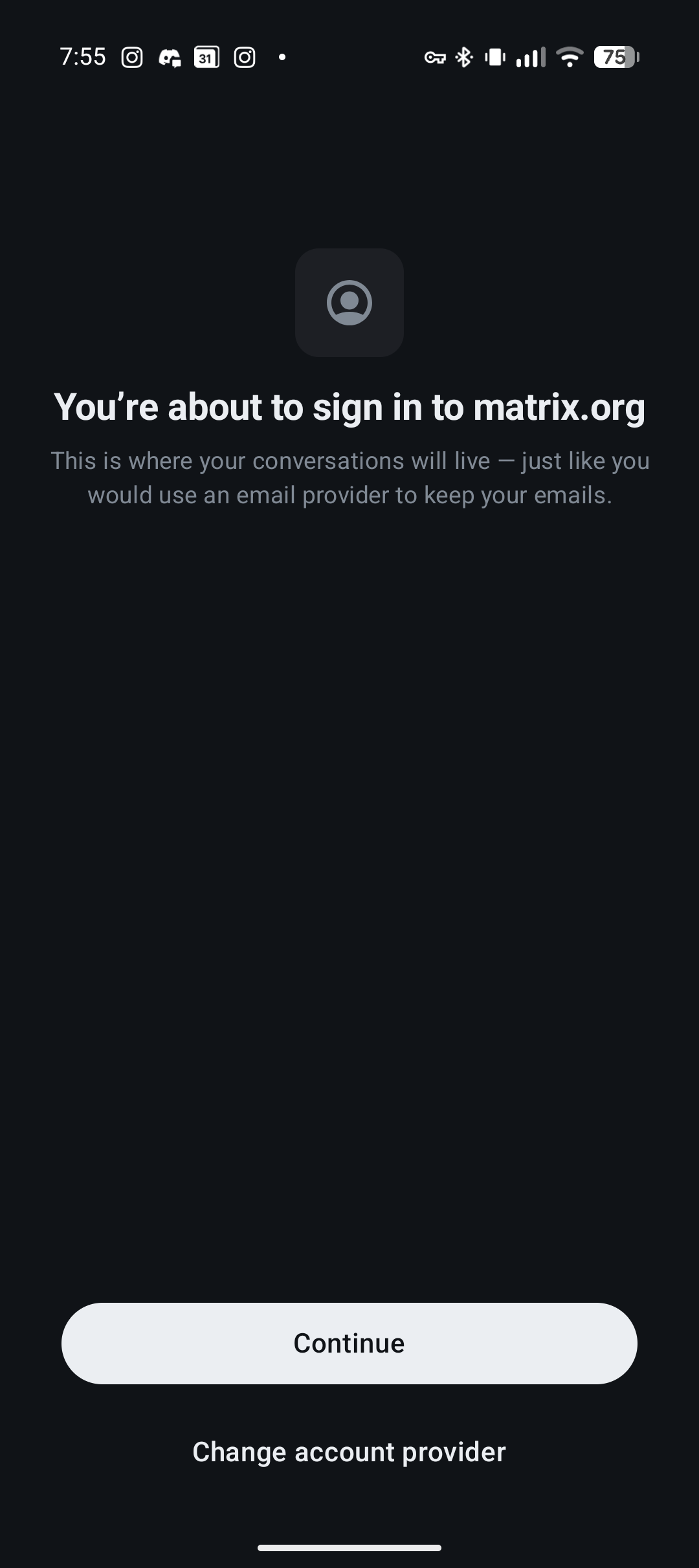
Click on the Change account provider to select the correct server.
-
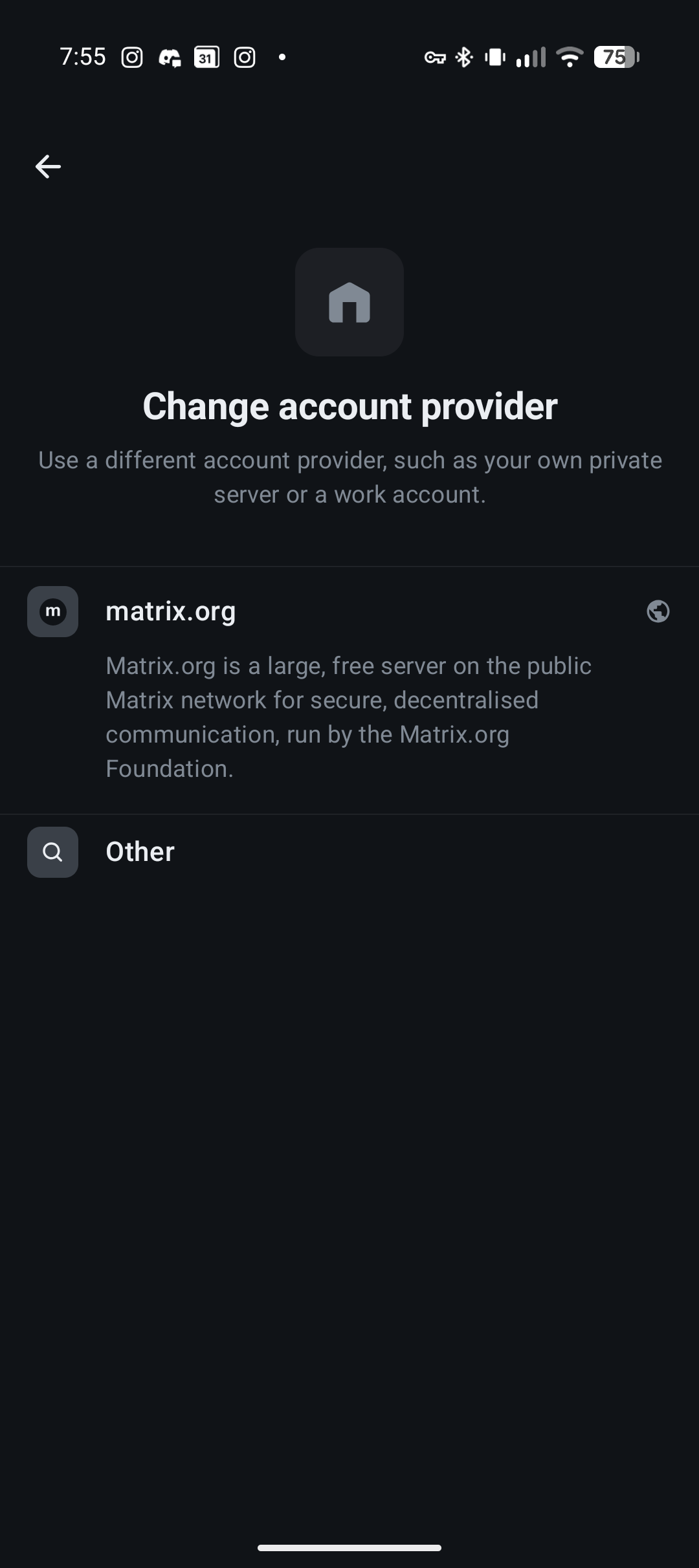
Click Other to add a new Matrix server
-
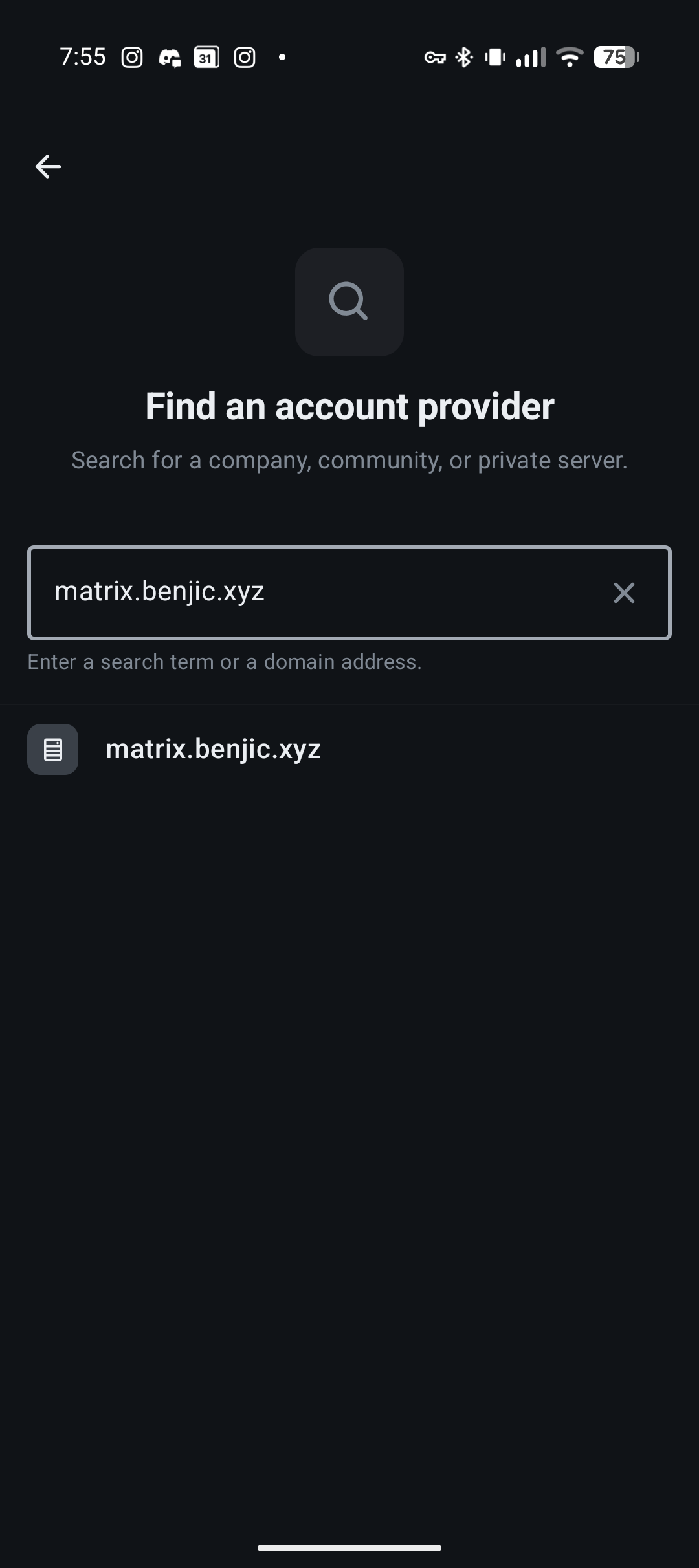
Search for and select the following server:
matrix.benjic.xyz -
Follow the instructions and log in with your credentials